 DE
DEAnbieter: Electroeshop
Universal Stylus Pen For Android IOS Capacitive Screen Touch Pen For Android IOS Tablet Pen Selectable Anti-touch Gloves
8 in den letzten 5 Stunden verkauft
Noch 50,00 € bis zum kostenlosen Versand
Voraussichtliche Lieferzeit : 5. Oktober - 7. Oktober.
Garantiert sicher bezahlen
Beschreibung
Application: Tablet
Application Brands: Universal
Application Screen: Capacitive Screen
Battery Included: Yes
Brand Name: p+7
Choice: yes
Feature: Magnetic Suction
High-concerned chemical: none
Material: Metal
Origin: Mainland China
Package: Yes
Rechargeablebatteryincluded: Yes
Dear buyers
when you can't use this pen, or the pen can't be used due to improper settings, please watch our video introduction and carefully and seriously, because many problems are not quality problems, but tablet settings problems, don't misunderstand them as quality problems. Please.
Notice:
1. Tablet devices and pens cannot be used while charging.
2. The tempered film on the flat plate is too thick and affects the sensing. We are equipped with a piercing pen tip, and the instruction manual also clearly states this kind of clearance. If the contact is insensitive, a penetrating pen tip can be used.
3. The device has been connected to other capacitive pens and needs to be disconnected. You must open other capacitive pens before you can connect a new capacitive pen. Our manual has relevant instructions.
4. During use of the capacitive pen, your hands cannot touch the screen. The touch screen cannot be used (the manual has relevant instructions), or use an anti-accidental touch finger. set.
5.The universal pen needs to be tilted at least 15 degrees to write normally, and it cannot be used vertically.
6.Do not use Apple type-c tcharging cable for charging
7.Some drawing software and notebook software cannot write and require some pen settings. Please be aware of the non-pen quality issues.
Features: Universal active capacitive pen with wear-resistant POMmaterial tip for battery level display, replaceable aluminum casing withmatte spray technology for better hand feel. Charging port: Type-c charging port with dust cap addedDelay: 6 millisecondsPen tip: pre installed special conductive pen tip, with 2 spare pen tipsMaterial: Metal shell spray coating process, extremely soft feelingConnection: Direct use of pen tip when turning on: 1.6mm PIXELPOINTSize: 163mm long, 9.1mm diameter D-shaped pen tube, with thethinnest part only 8.3mmWeight: 70gBox gauge: 45 * 36 * 32.5CMGross weight: 7.1KG/100pcsCharging time: approximately 1.5 hoursWorking time: can work for 18 hours after full powerStandby time: When the battery is fully charged, it can stand by for upto 2 yearsCompatibility: Suitable for most capacitive screen devicesSystem: Suitable for most capacitive screen devicesAccessories: pen refill * 2, data cable * 1, instruction manual * 1 tip, suitable for most capacitive screen devices How to set up some software:1、SketchBook
1. Open the "SketchBook" software.
2. Click on the "Main Menu".
3. Click on "Preferences".
4. Click onGeneral".
5. Turn on/off "Pen Mode".
2、Procreate
1. Open the "Procreate" software
2. Click the top left corner of the painting interface, click the wrench
3. Click on gesture control
4. Select enable finger painting
3、GoodNote
1. Open the "GoodNote" software
2. Click on the top right corner of the painting page, click on the three option
3. Scroll down to select the stylus and prevent accidental touches
4. Click on the smart stylus, select none inside
4、NOtability
1. Open the "Notability" app
2. Open the drawing page, click the three dots option in the top right corner
3. Click Information, disconnect Apple Pencil
5、Notes
1. Update to the latest version
2. Open the "Notes " app
3. Click on the painting page and select the three in the lower right corner
4. Click on the pen palette settings and scroll to the bottom 5. Turn on finger painting
6.Apple iPad Notes
1. Open the tablet settings and find Apple Pencil
2. Turn off Scribble and Doodle
3. Open the page and select the stroke
7.Paint the World
1. Open the "Paint the World" software
2. Open the painting page, click the gear in the top corner
4. Close "Pen Mode"
8.Noteshelf
1. Open the "Noteshelf" software
2. Open the drawing page, click the three dots in the top right
3. Select the stylus
4. Turn off the "Apple Pencil" mode
14 Tage kostenlose Rückgabe1 Jahr Garantie
KundenserviceHilfe, wenn du sie brauchst
QualitätsgarantieDurch unser Versprechen abgesichert
Das könnte dir auch gefallen
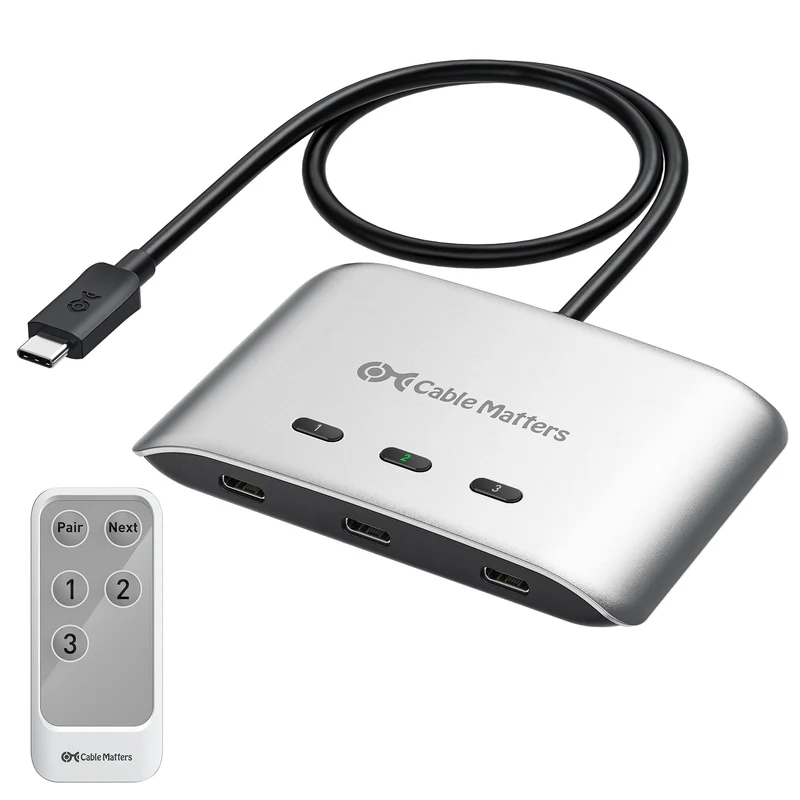 Im AngebotCable Matters 20Gbps USB C KVM Switch, 3in1Out, 140W PD Charging54,05 €
92,87 €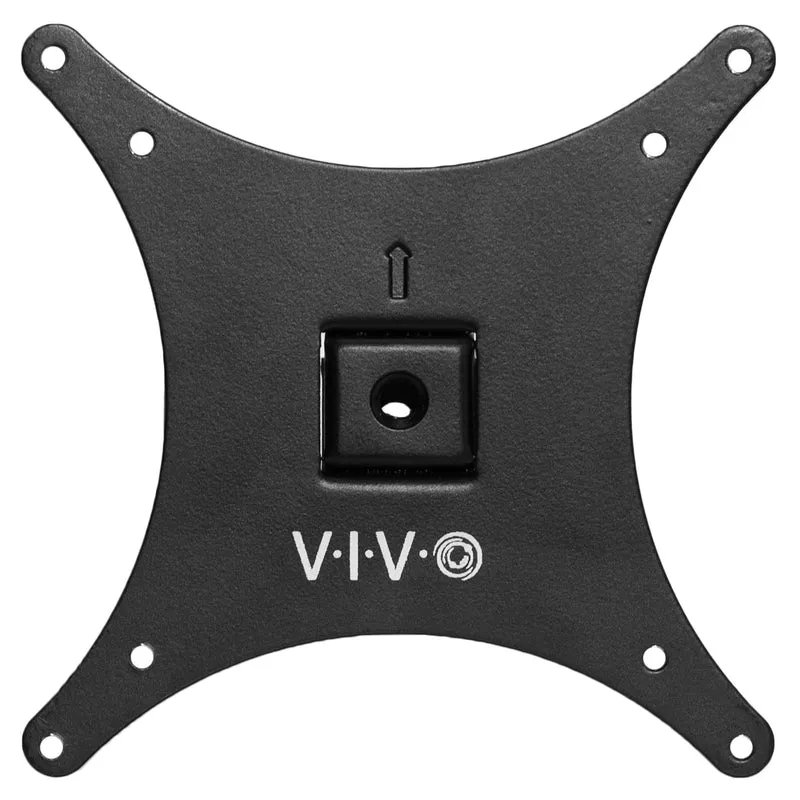 Im AngebotVIVO VESA Adapter Plate Bracket, Designed for Sceptre C25, C30, and C34 Monitors, VESA up to 100x100, Black, MOUNTSRC3013,61 €
24,07 €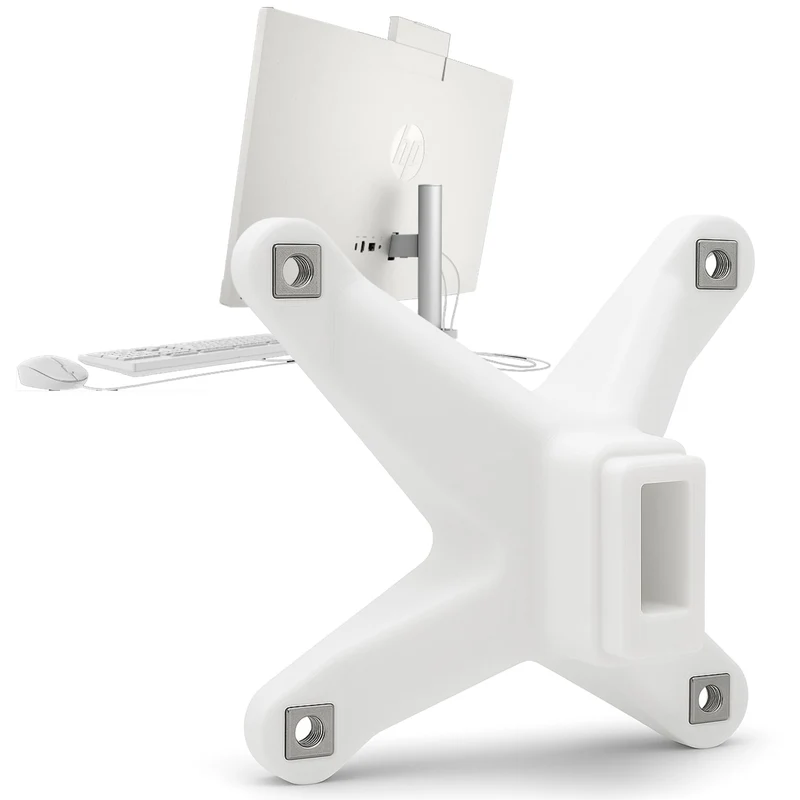 Im Angebot3IDEE VESA Adapter, VESA Mount Compatible with HP AllinOne PC (24cr,27cr) VESA Mount 75x75mm VESA Adapter HP for Monitor17,05 €
26,36 €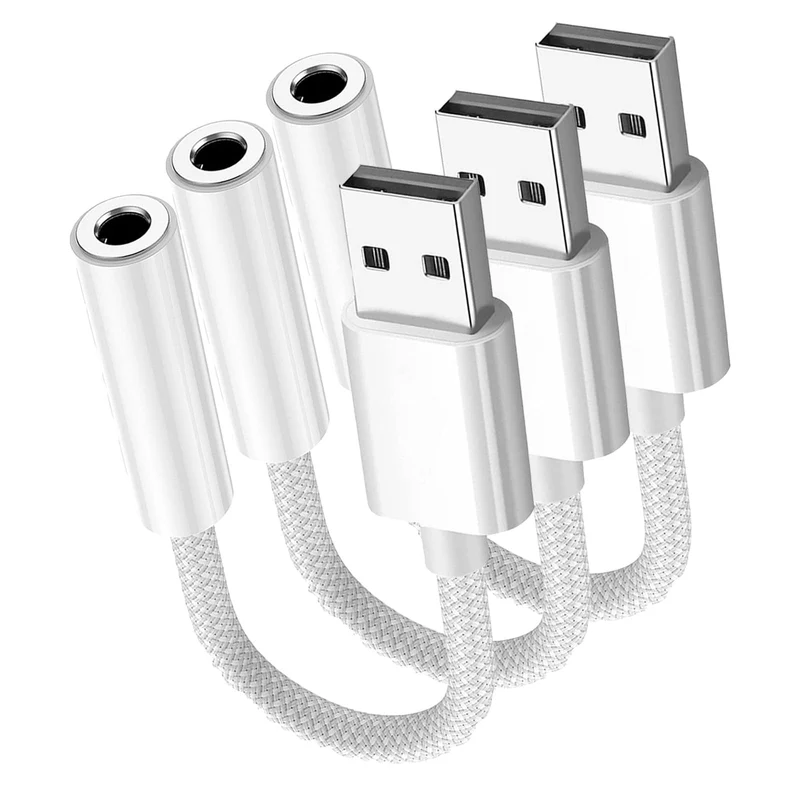 Im AngebotFidioto USB to 3.5mm Audio Jack Adapter, MicSupported USB to Headphone Jack Adapter, External Sound Card with TRRS 4 Pole Jack5,79 €
11,45 €